


55-Inch Slim-Bezel Floor-Standing Digital Signage
SKU: Select color to generate SKU
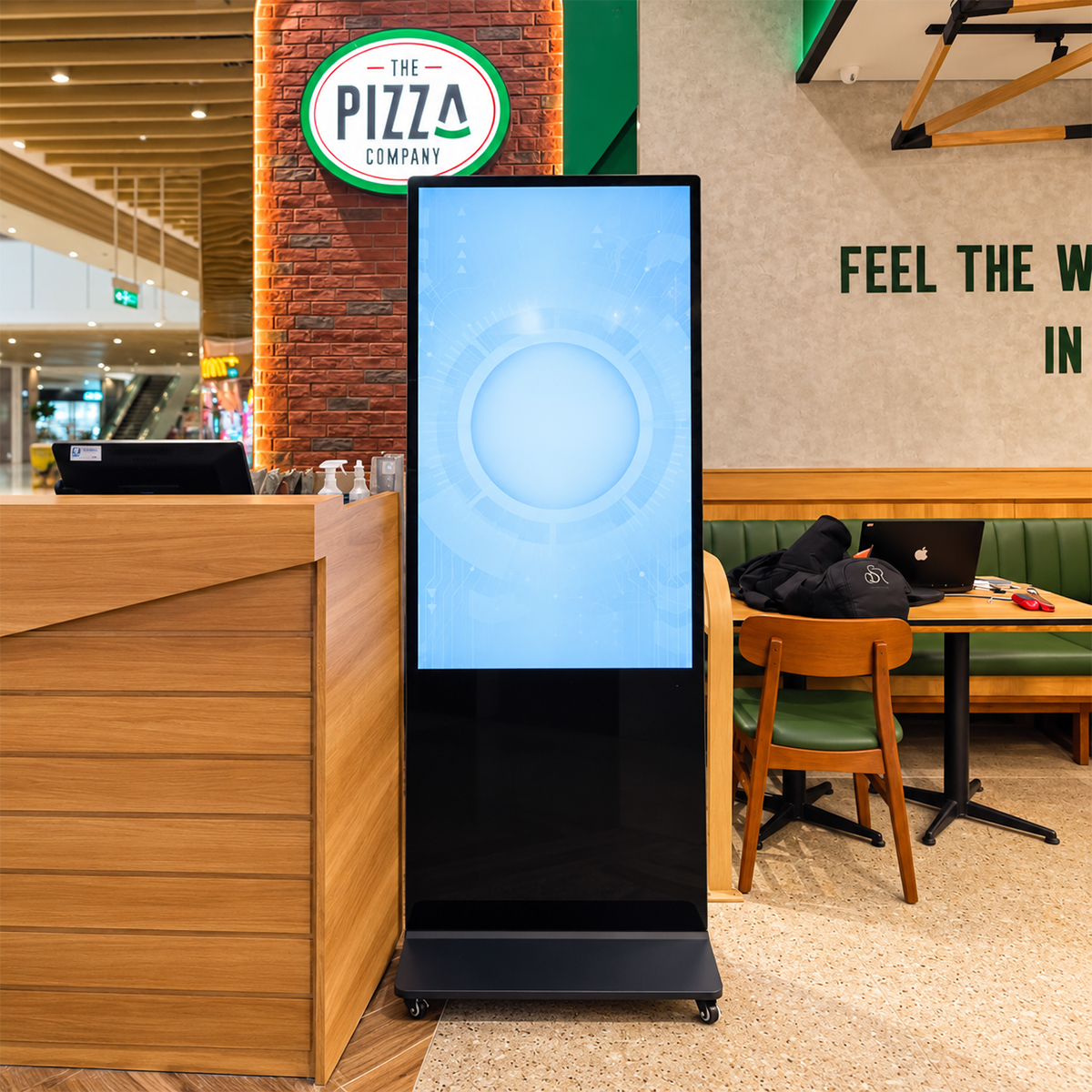
The 55-inch slim-bezel floor-standing display is an option for buyers comparing a larger campaign canvas with the space required by the complete unit. It sits above 50 inches and below the 65-inch model, with a listed 4K panel resolution. For a factory-direct B2B enquiry, the useful starting point is the content to be shown, the installation position and the configuration required by the project.
Moving from 50 to 55 inches increases screen area by about 21% at the same aspect ratio. Use that additional area intentionally: for a larger primary image, a more prominent message or more generous spacing. Avoid treating it as a reason to add extra text that makes the layout harder to read. Compare 65 inches if the project needs a further increase in physical presentation size.
Design & Construction of the 55-Inch Floor-Standing Display
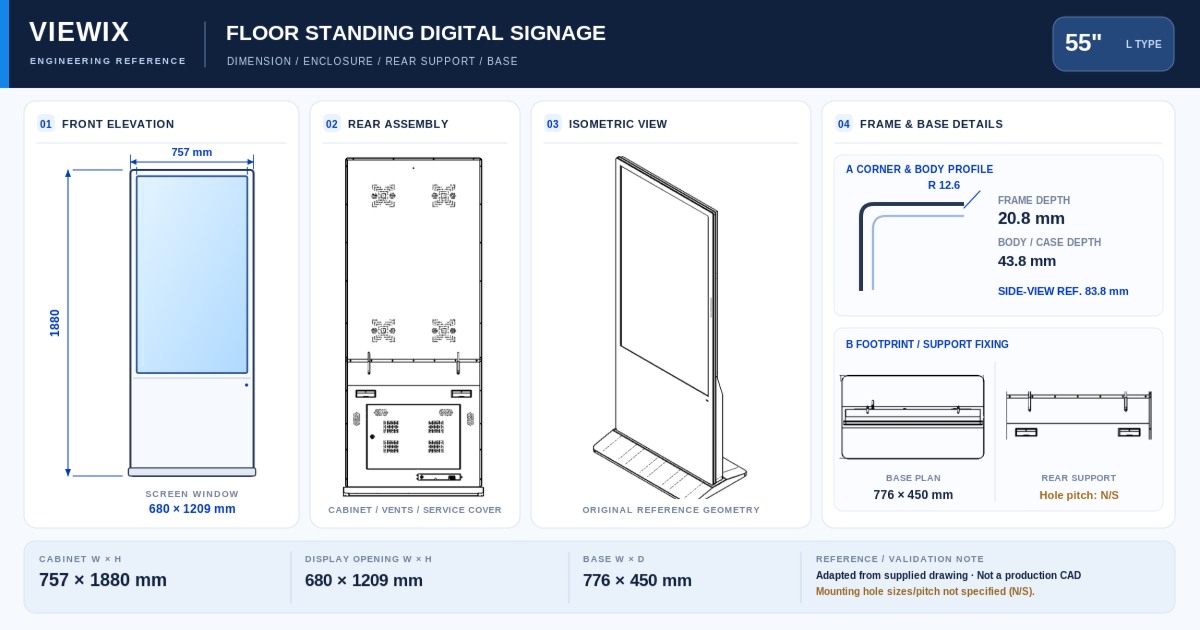
Before approving a 55-inch installation, check the complete cabinet and base against the site drawing. A screen active area of 1217.6 × 684.9 mm does not include the surrounding structure or establish the footprint. Confirm the final orientation, overall height, cable route and service access with the quoted configuration. Delivery access should be checked against the packed dimensions when available.
Key Features of the 55-Inch Slim-Bezel Digital Signage
A measured step above 50 inches
Approximately 21% more screen area gives content designers a defined comparison with the next smaller model. Evaluate the same message at both sizes before committing the site layout.
4K panel specification
The listed resolution is 3840 × 2160. Match the player, application and media output to the project rather than assuming resolution alone determines content quality.
Room to evaluate a larger campaign layout
Test the hierarchy of headline, imagery and supporting details at the intended position. A larger canvas can support a larger presentation without changing the purpose of the display.
Hardware & System Configuration
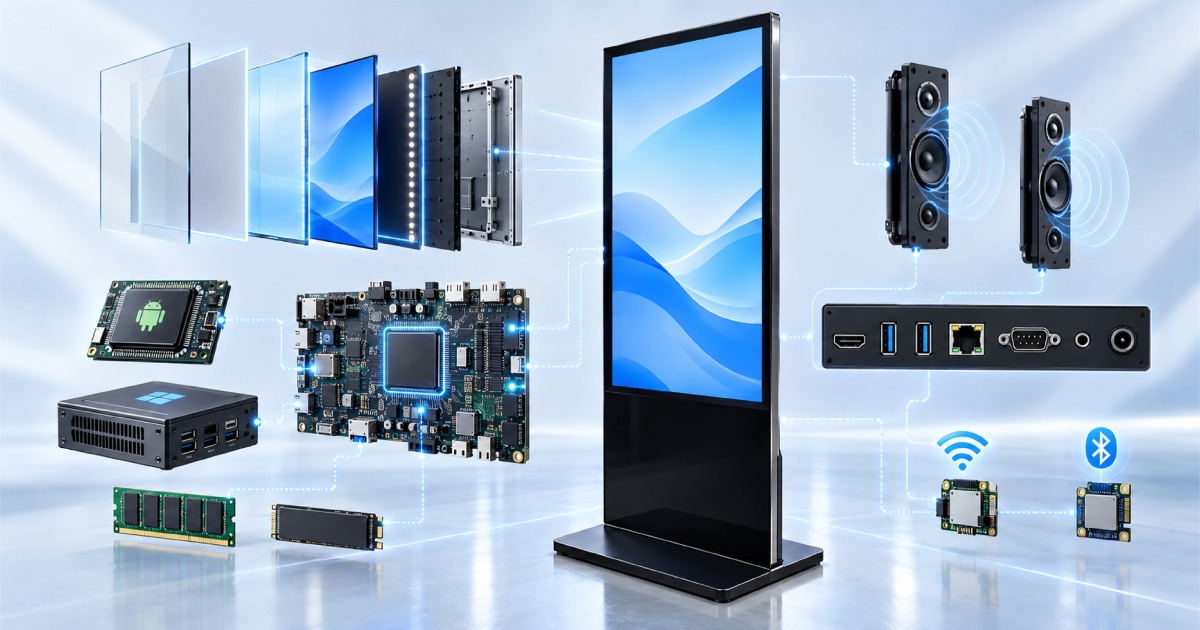
For the 55-inch model, separate the content presentation decision from the computing configuration. A non-touch campaign screen and a touch-enabled visitor interface may need different software and hardware selections even when the diagonal is identical. Provide the application requirements and confirm the chosen memory, storage, ports and operating system as part of the quotation.
Available selections include BOE, TCL CSOT or AUO panels, Android or Windows, and touch or non-touch operation. These are configuration choices, not a promise that every combination has identical specifications. Supports CMS integration; confirm software compatibility and CMS service pricing separately.
55-Inch Floor-Standing Digital Signage Specifications
The screen values below reflect the current product listing. Use the agreed model specification and quotation for purchasing and installation approval; panel active area must not be used as the overall cabinet size.
| Parameter | Configuration information |
|---|---|
| Model family | FSU-55 |
| Screen diagonal | 55 inches |
| Listed native panel resolution | 3840 × 2160 (4K Ultra HD) |
| Listed active panel area | 1217.6 × 684.9 mm (long side × short side; excludes cabinet and base) |
| Installation type | Floor-standing |
| Intended environment | Indoor |
| Panel selections | BOE / TCL CSOT / AUO; confirm availability for the selected configuration |
| Operating-system selections | Android or Windows |
| Interaction options | Touch or non-touch |
| Hardware configuration | Select the required hardware in the configurator; confirm CPU, RAM, storage and ports in the quotation |
| CMS | Supports CMS integration. Confirm compatibility and service pricing separately. |
| Enclosure colour | Select an available colour in the configurator |
| Complete-unit and packing details | Request the confirmed drawing, dimensions and weight for the quoted assembly |
Size Comparison: 55-Inch vs. 50-Inch and 65-Inch Digital Signage
Compare 55 inches with 50 inches when the available location is constrained, and with 65 inches when a larger image is the priority. The 65-inch screen provides about 40% more area than 55 inches at the same aspect ratio. Check the corresponding complete-unit dimensions and handling requirements before choosing the larger model.
| Size | Listed resolution | Screen-area comparison |
|---|---|---|
| 32 inches | 1920 × 1080 (Full HD) | Smallest screen in the range |
| 43 inches | 3840 × 2160 (4K Ultra HD) | About 81% more area than 32 inches |
| 50 inches | 3840 × 2160 (4K Ultra HD) | About 35% more area than 43 inches |
| 55 inches — current model | 3840 × 2160 (4K Ultra HD) | About 21% more area than 50 inches |
| 65 inches | 3840 × 2160 (4K Ultra HD) | About 40% more area than 55 inches |
Area comparisons are calculated from the nominal diagonals at the same 16:9 aspect ratio and rounded. They compare screens, not cabinet footprints, packing sizes or handling requirements.
Applications for the 55-Inch Floor-Standing Display
Showroom campaigns
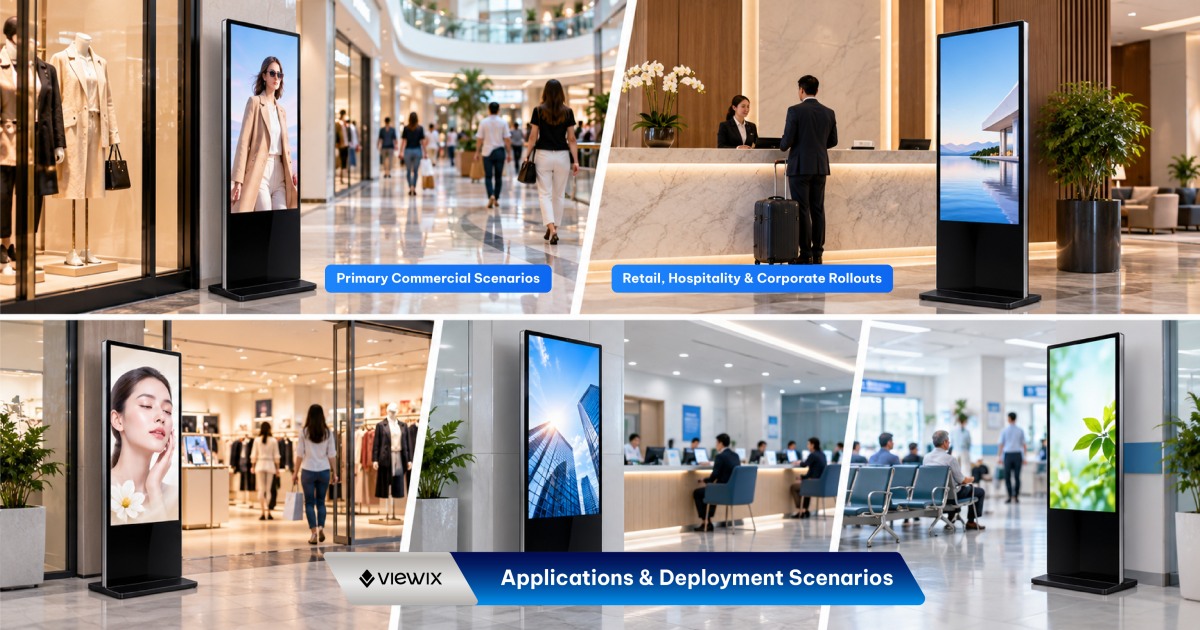
Use actual product imagery to check whether the 55-inch presentation gives the intended visual emphasis beside the merchandise or demonstration area.
Lobby information
Prepare a representative visitor screen with the longest expected text and assess it from normal stopping positions. Do not select font size from screen resolution alone.
Retail network deployments
Specify the 55-inch version where the site survey supports it, while allowing other sizes for locations with different placement constraints. Keep software and configuration requirements documented across the project.
Manufacturing & Quality Assurance
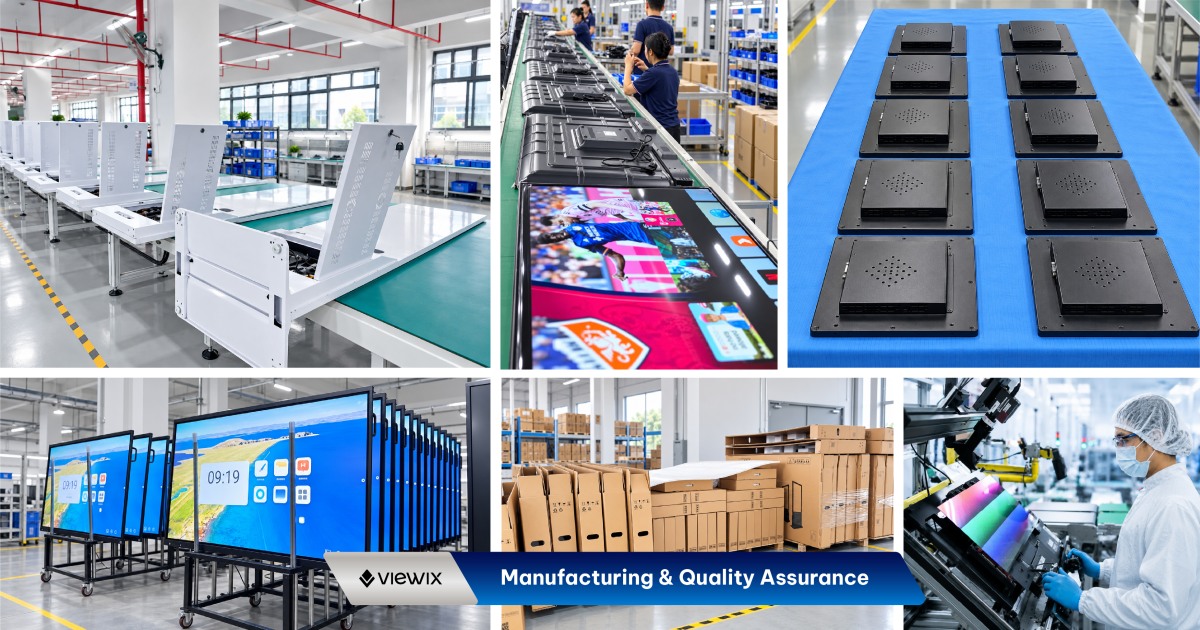
For a 55-inch order, review the display with the intended content before defining acceptance. Include the operating-system selection, touch requirement and required connectivity in the agreed specification. Discuss inspection documentation, packaging requirements and the handover process with our sales team so the purchase order reflects the actual project requirements.
For factory-direct procurement, agree the selected configuration, sample requirements, inspection scope and required documentation before placing the production order. Ask our team to confirm the applicable test records, warranty terms, order quantity and lead time for your project.
55-Inch Digital Signage FAQs
How much larger is 55 inches than 50 inches?
At the same aspect ratio, it has approximately 21% more screen area. This is a screen comparison, not a measurement of the cabinet or base.
Should I choose 55 or 65 inches for a lobby?
Compare the actual placement, content and complete-unit dimensions. The 65-inch option has about 40% more screen area, but room size alone is not enough to decide.
What should an integrator include in the enquiry?
Include the software platform, required operating system, touch selection, connectivity needs, quantity and site constraints. This allows the configuration to be reviewed alongside the installation.
Can I request a sample before a larger order?
Contact our sales team with the required configuration and intended test plan. Confirm sample availability, pricing and delivery timing before scheduling software integration or site trials.
What commercial terms should be confirmed?
Request the applicable minimum order quantity, warranty scope, included accessories, delivery terms and lead time in the quotation. Specify any spare-parts or documentation requirements in your enquiry.
Request a Quote for 55-Inch Floor-Standing Digital Signage
Request a 55-inch project quotation with your content brief and installation requirements. For a 50-versus-55 or 55-versus-65 decision, specify the same hardware requirements for both alternatives so the comparison is meaningful.
- Environment
- Indoor
| Model / SKU | |
|---|---|
| Screen size | 55 |
| Display panel | |
| Android configuration | |
| Operating system | |
| Resolution | Based on the selected screen size |
| Content management | Viewix CMS remote content management |
| Touch technology | |
| Environment | Indoor |
Commercial Grade Technology in Every Detail.
Designed for demanding environments where continuous operational uptime, crystal-clear 4K visual reproduction, and remote management are essential.
2K / 4K UHD Resolution
Ultra-high-definition IPS panel with 178° wide viewing angles and vivid color reproduction.
Android & Windows Dual OS
Seamless dual-system switching for automated broadcasting or high-performance interactive software.
CMS Integration
Supports CMS integration.
Touch / Non-Touch Options
Choose from the available touch or non-touch configurations to suit your display application.

