


32-Inch Slim-Bezel Floor-Standing Digital Signage
SKU: Select color to generate SKU
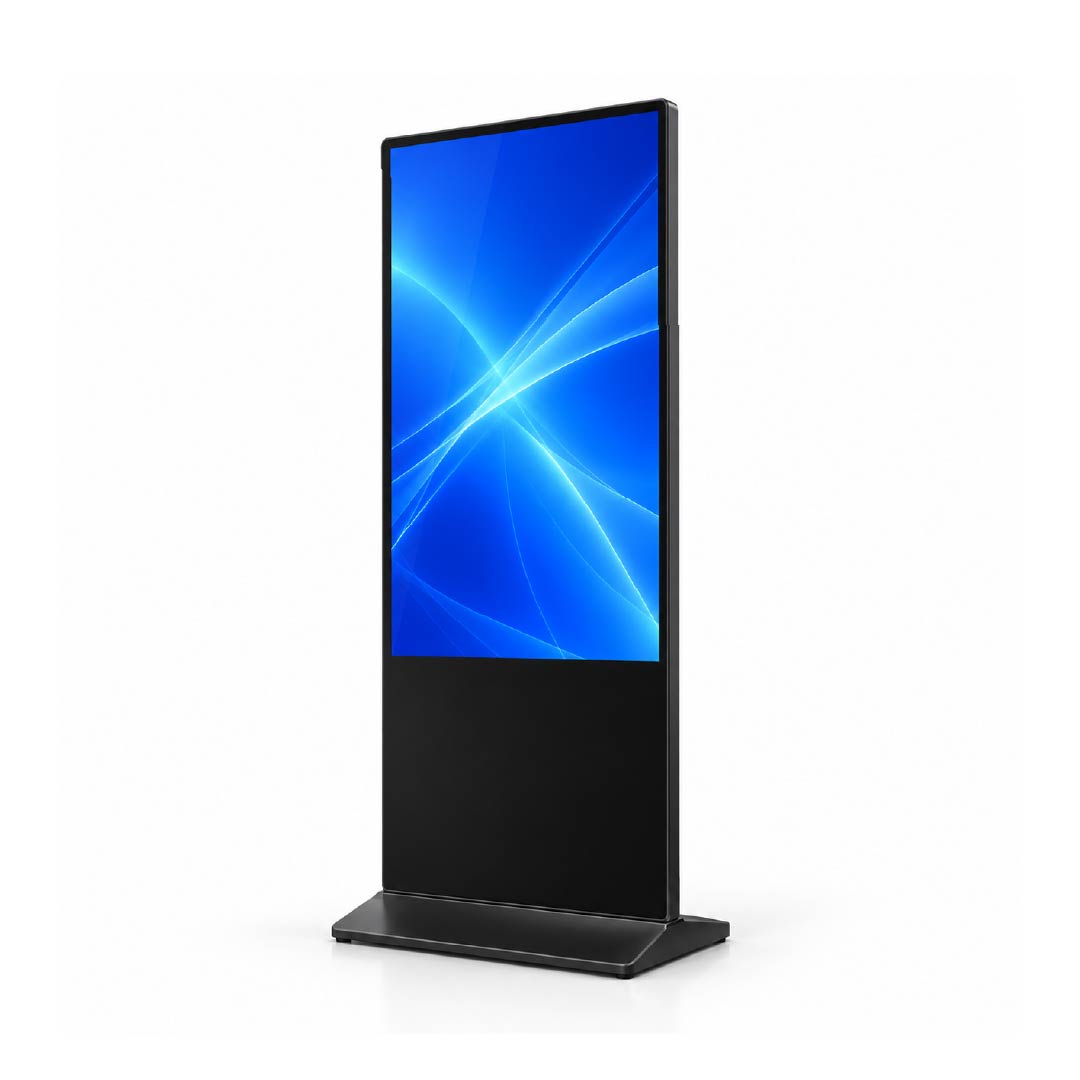
For a distributor or project integrator specifying a display at a defined customer touchpoint, the 32-inch model is the starting point in our slim-bezel floor-standing range. It gives buyers an option below the 43-inch format for promotions, visitor information and digital notices. The purchasing question is whether the intended message can be read comfortably at the actual installation position—not simply whether a larger screen is available.
Start with the content and the available floor space. A short welcome message or a single promotion has different display needs from a directory with many entries. Review the smallest text in your actual layout before selecting this size for a rollout. If the design becomes crowded, compare the 43-inch model rather than shrinking every element to fit.
Design & Construction of the 32-Inch Floor-Standing Display
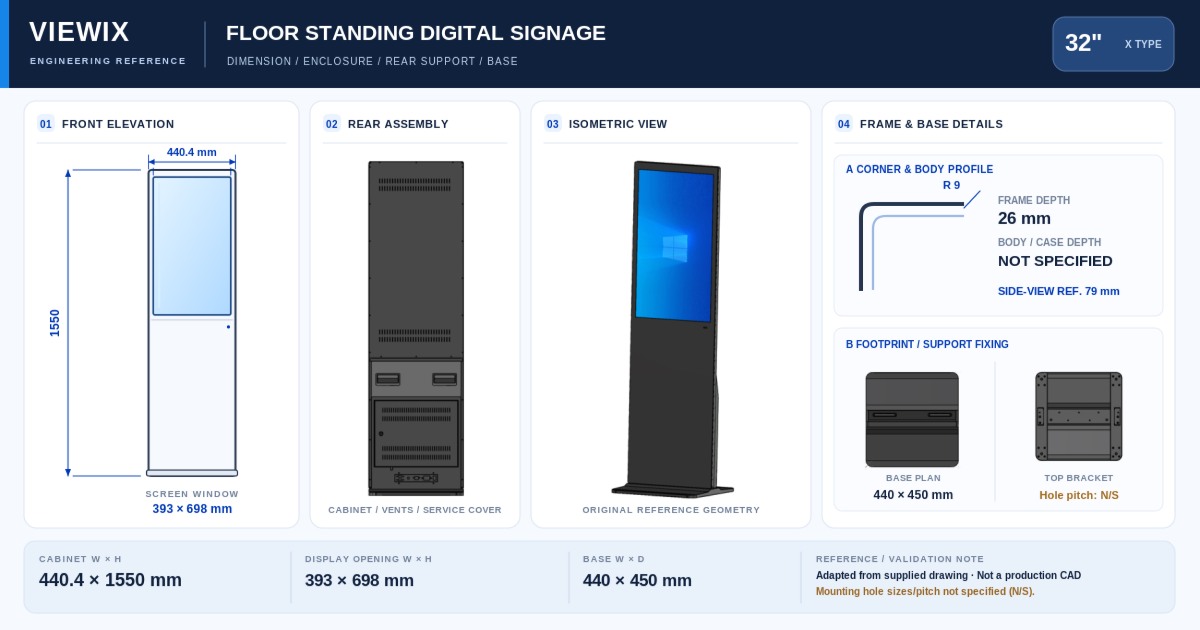
The screen diagonal does not describe the footprint of the complete floor-standing unit. For a constrained reception area or shop entrance, ask us to confirm the base width and depth, overall height and cable exit position. Keep the proposed location clear of pedestrian routes and allow access for cleaning and servicing. The displayed active-area dimensions refer to the panel, not the complete cabinet.
Key Features of the 32-Inch Slim-Bezel Digital Signage
Smallest screen in this range
A useful starting point when evaluating a smaller display format. Confirm the complete unit dimensions before using screen size as a proxy for occupied floor space.
Full HD content planning
The listed panel resolution is Full HD. Prepare a sample layout with the intended orientation and check text, icons and product images at their final displayed size.
A clear step up to 43 inches
At the same aspect ratio, a 43-inch screen has about 81% more display area. Use that comparison to decide whether additional content space justifies moving to the next size.
Hardware & System Configuration
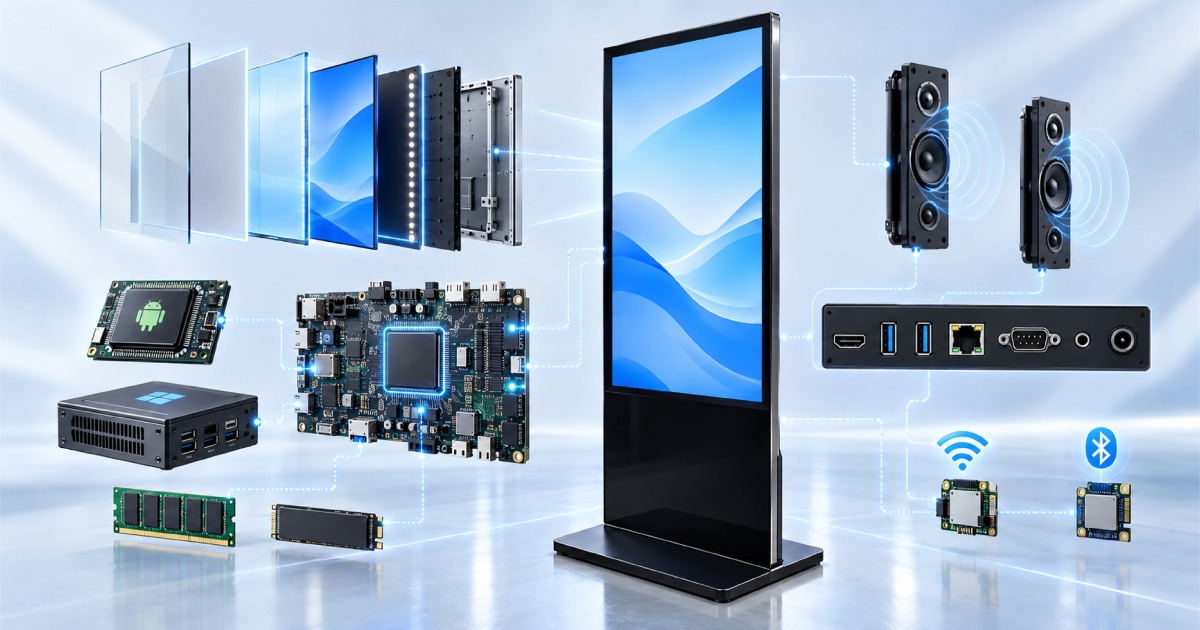
For a basic information screen, begin by identifying the playback application and its operating-system requirements. For a visitor-operated interface, specify the touch option explicitly and test the application on the selected hardware. Keep the approved configuration consistent between a sample and the subsequent order; a shared 32-inch diagonal alone does not define the same system.
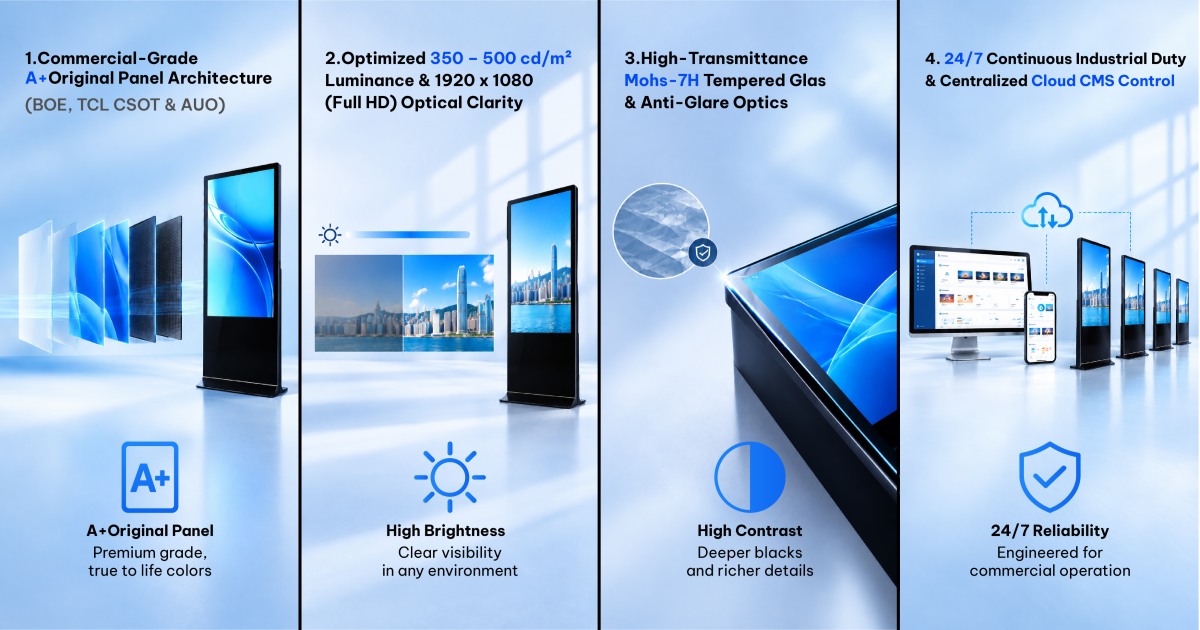
Available selections include BOE, TCL CSOT or AUO panels, Android or Windows, and touch or non-touch operation. These are configuration choices, not a promise that every combination has identical specifications. Supports CMS integration; confirm software compatibility and CMS service pricing separately.
32-Inch Floor-Standing Digital Signage Specifications
The screen values below reflect the current product listing. Use the agreed model specification and quotation for purchasing and installation approval; panel active area must not be used as the overall cabinet size.
| Parameter | Configuration information |
|---|---|
| Model family | FSU-32 |
| Screen diagonal | 32 inches |
| Listed native panel resolution | 1920 × 1080 (Full HD) |
| Listed active panel area | 708.4 × 398.5 mm (long side × short side; excludes cabinet and base) |
| Installation type | Floor-standing |
| Intended environment | Indoor |
| Panel selections | BOE / TCL CSOT / AUO; confirm availability for the selected configuration |
| Operating-system selections | Android or Windows |
| Interaction options | Touch or non-touch |
| Hardware configuration | Select the required hardware in the configurator; confirm CPU, RAM, storage and ports in the quotation |
| CMS | Supports CMS integration. Confirm compatibility and service pricing separately. |
| Enclosure colour | Select an available colour in the configurator |
| Complete-unit and packing details | Request the confirmed drawing, dimensions and weight for the quoted assembly |
Size Comparison: 32-Inch vs. 43-Inch Digital Signage
Compare 32 and 43 inches using the same artwork. The 43-inch option adds display area, while the 32-inch model remains the smallest screen choice. A decision should also account for the complete cabinet dimensions and quoted configuration. Do not use room area alone to select the display.
| Size | Listed resolution | Screen-area comparison |
|---|---|---|
| 32 inches — current model | 1920 × 1080 (Full HD) | Smallest screen in the range |
| 43 inches | 3840 × 2160 (4K Ultra HD) | About 81% more area than 32 inches |
| 50 inches | 3840 × 2160 (4K Ultra HD) | About 35% more area than 43 inches |
| 55 inches | 3840 × 2160 (4K Ultra HD) | About 21% more area than 50 inches |
| 65 inches | 3840 × 2160 (4K Ultra HD) | About 40% more area than 55 inches |
Area comparisons are calculated from the nominal diagonals at the same 16:9 aspect ratio and rounded. They compare screens, not cabinet footprints, packing sizes or handling requirements.
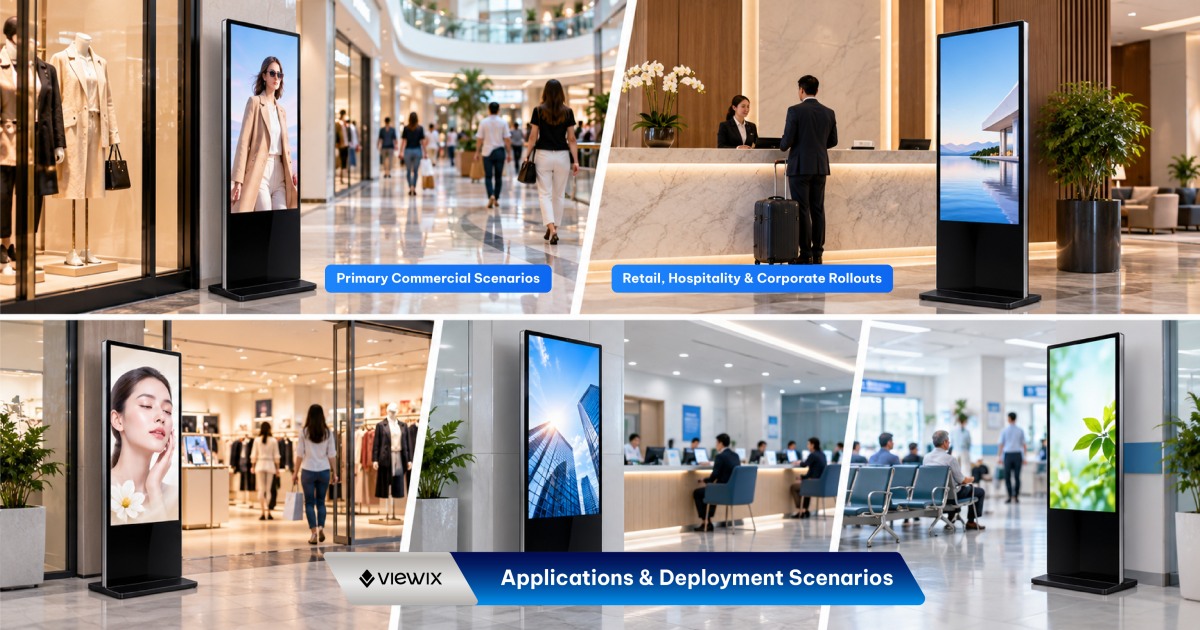
Applications for the 32-Inch Floor-Standing Display
Reception information
Consider one clear message, a welcome screen or a short visitor instruction. Check readability from the place where visitors normally stop.
Retail promotions
Evaluate a single product offer or a focused campaign layout before combining several promotions on one screen.
Service-point guidance
For a touch interface, check button size, operating position and reach using the complete unit drawing and a sample application.
Manufacturing & Quality Assurance
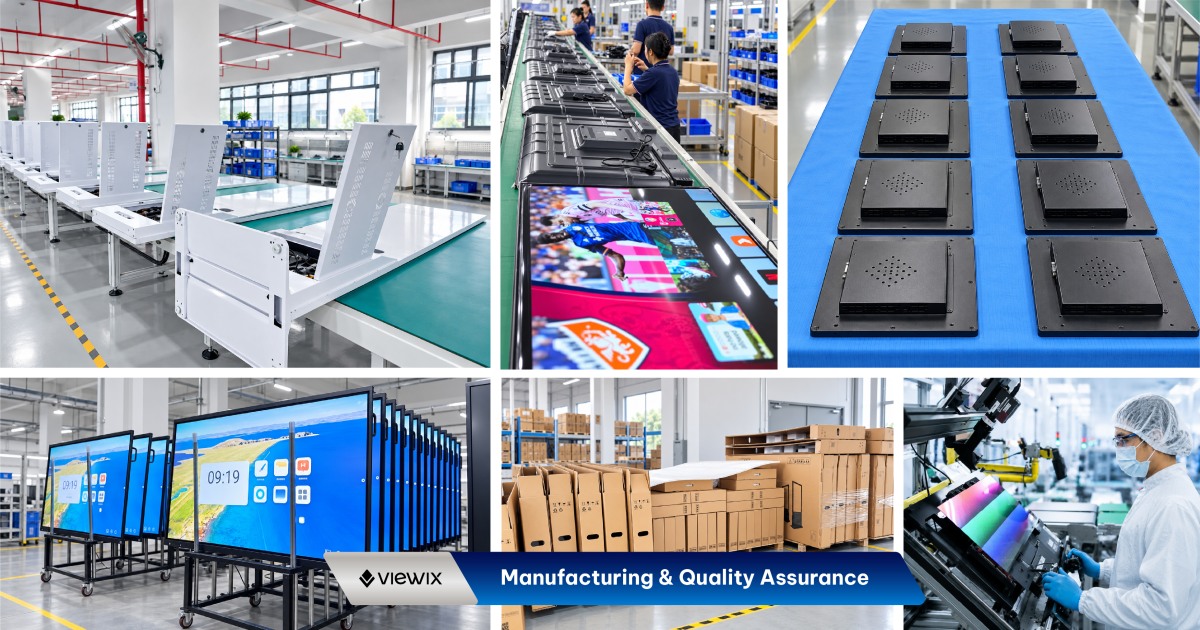
For a 32-inch pilot, the most useful acceptance check is the real content at the real viewing position. Agree the panel, operating system and touch selection before comparing samples. Include startup behaviour, playback, network connectivity and access to the installed software in the project checklist.
For factory-direct procurement, agree the selected configuration, sample requirements, inspection scope and required documentation before placing the production order. Ask our team to confirm the applicable test records, warranty terms, order quantity and lead time for your project.
32-Inch Digital Signage FAQs
When should I choose 43 inches instead?
Compare the 43-inch model when text or images need more display area than the 32-inch layout allows. Use a full-size content test and the complete unit dimensions to make the choice.
Does 32 inches describe the height of the unit?
No. It is the screen diagonal. Request the overall cabinet and base dimensions for installation planning.
Can this model be ordered for a touch application?
Touch and non-touch selections are offered in the configurator. Identify the intended application so the selected touch and hardware configuration can be checked together.
Can I request a sample before a larger order?
Contact our sales team with the required configuration and intended test plan. Confirm sample availability, pricing and delivery timing before scheduling software integration or site trials.
What commercial terms should be confirmed?
Request the applicable minimum order quantity, warranty scope, included accessories, delivery terms and lead time in the quotation. Specify any spare-parts or documentation requirements in your enquiry.
Request a Quote for 32-Inch Floor-Standing Digital Signage
Send your proposed placement, sample screen layout, quantity and required operating system. If you are deciding between 32 and 43 inches, include both sizes in the enquiry so we can quote the configurations for comparison.
- Environment
- Indoor
| Model / SKU | |
|---|---|
| Screen size | 32 |
| Display panel | |
| Android configuration | |
| Operating system | |
| Resolution | Based on the selected screen size |
| Content management | Viewix CMS remote content management |
| Touch technology | |
| Environment | Indoor |
Commercial Grade Technology in Every Detail.
Designed for demanding environments where continuous operational uptime, crystal-clear 4K visual reproduction, and remote management are essential.
2K / 4K UHD Resolution
Ultra-high-definition IPS panel with 178° wide viewing angles and vivid color reproduction.
Android & Windows Dual OS
Seamless dual-system switching for automated broadcasting or high-performance interactive software.
CMS Integration
Supports CMS integration.
Touch / Non-Touch Options
Choose from the available touch or non-touch configurations to suit your display application.


